The story of Syluxium so far, newest first: from a kernel printing its first lines on a text console
on 16 November 2026, through a desktop running Firefox, Windows programs and the App Store a week
later, to the move to the Linux kernel.
Syluxium 2.0.0 “TechnoTrucker” beta
The Linux-based Syluxium now has a version and a name: Syluxium 2.0.0 “TechnoTrucker”, in beta
(release tag v2.0.0-beta on GitHub). The original version with its own kernel becomes
Syluxium 1.0.0 “SpaceTrucker” (tag v1.0.0) and lives on as the experimental version.
NVIDIA’s own driver, a loading screen and a clean shutdown
NVIDIA’s own driver is now built in and picked automatically for GeForce GTX 750 and 900 series cards
up to RTX 40, with OpenGL, Vulkan, video decoding, NVENC and CUDA. Older cards and RTX 50 keep using
nouveau. AMD cards get hardware video decoding.
The loading screen is back: the Syluxium logo and a progress bar while the system starts, and a
“Shutting down” or “Restarting” screen at the end. The power button now shuts down cleanly. Device
Manager, System and Computer Management show your hardware again, the right sound card is picked when
a graphics card’s HDMI audio would otherwise come first, and USB network adapters plugged in later
get connected.
All of this is tested in virtual machines; real-hardware testing with NVIDIA cards is next.
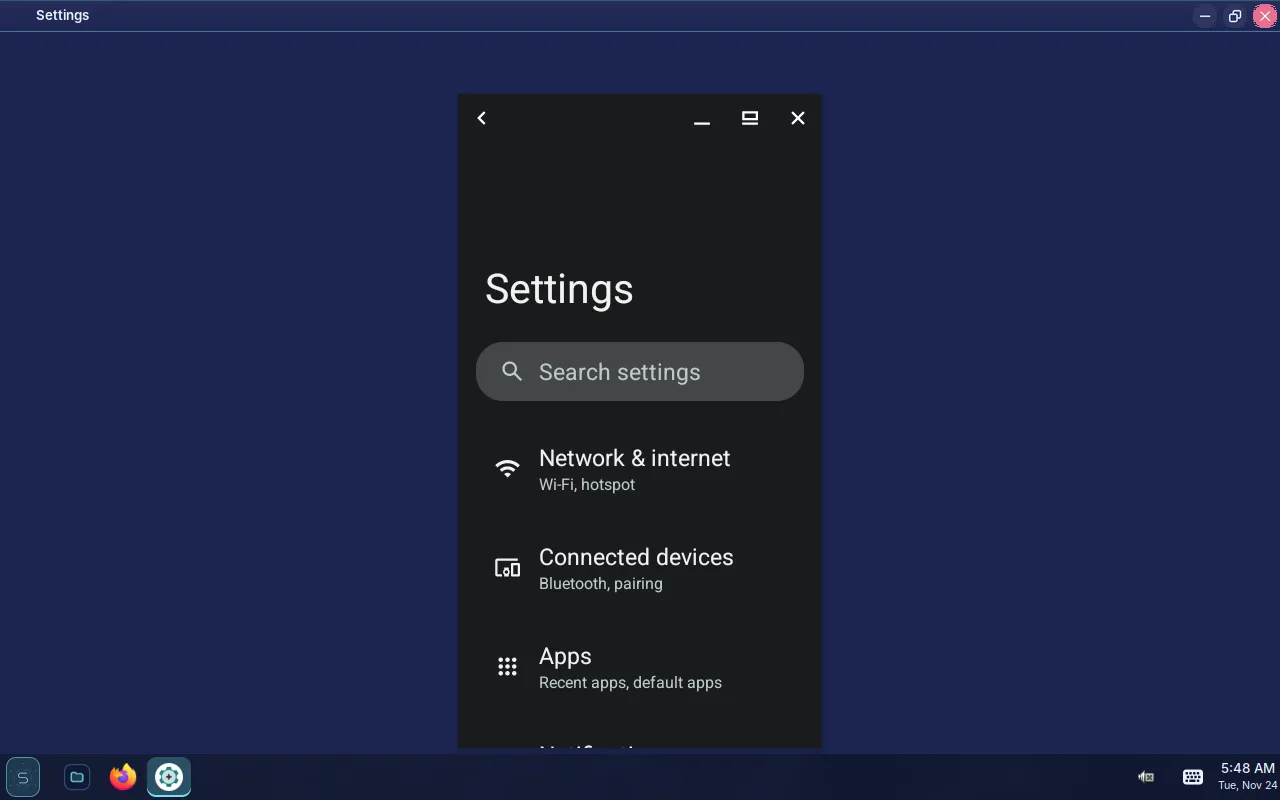
Android apps open as desktop windows
On the Linux-based version, Android starts about 25 seconds after you log in, and its apps open in
their own desktop windows with a taskbar icon. Android apps are an early preview; installing .apk
files and apps from F-Droid is being re-tested.
Syluxium moves to the Linux kernel
Syluxium now runs on the Linux kernel: Debian trixie’s Linux 6.12, with Debian’s firmware packages.
Everything you see stays the same: the Dusk desktop, the login screen, the boot picker, the App
Store, the installer, the system tools and Windows programs.
Why: hardware. Graphics drivers for AMD, Intel and NVIDIA, Wi-Fi, Bluetooth, sound and Android’s
binder now run on the kernel they were written for, so far more hardware works reliably, and it’s
the basis for gaming with Steam, Proton and Vulkan. The boot menu is simpler too: the graphics
drivers load on every boot, and a safe mode without them is there for display problems.
The Linux-based version is in beta: tested in virtual machines, with an accelerated desktop
confirmed on a PC with an NVIDIA GeForce GTX 1650, and more real-hardware testing under way. The
original version with its own kernel lives on as the experimental branch.
Testing on real computers
Every boot from the stick now writes a log folder that tells us exactly what happened on that
machine. Test rounds on real desktops and laptops confirmed Wi-Fi, Bluetooth, wired networking, sound
and clean shutdowns on real hardware, and each round feeds the next set of fixes.
Wayland apps, AppImages and more apps that just work
Apps made only for Wayland now open as ordinary windows on the desktop, with copy and paste and drag
and drop between both kinds of apps. Chinese, Japanese and Korean typing arrived, and so did display
scaling for high-resolution screens. AppImages run with a double-click.
Moving to Xfce, plus a Wayland preview
The desktop moved to Xfce, redesigned to look exactly like Dusk: rounded window frames, a glass
taskbar and a hex-logo start menu. The previous desktop, Trinity, stays available as Syluxium
Classic. A second boot entry previews a native Wayland desktop with glass effects.
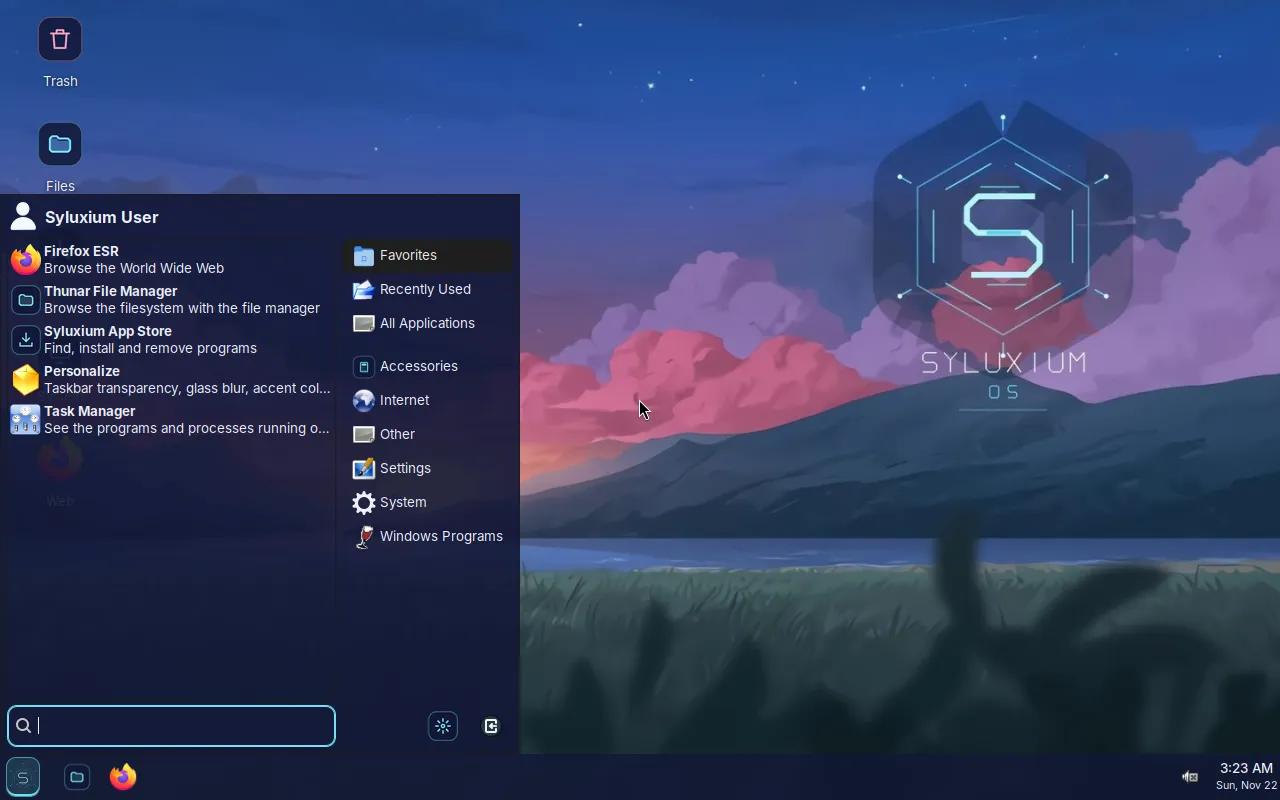
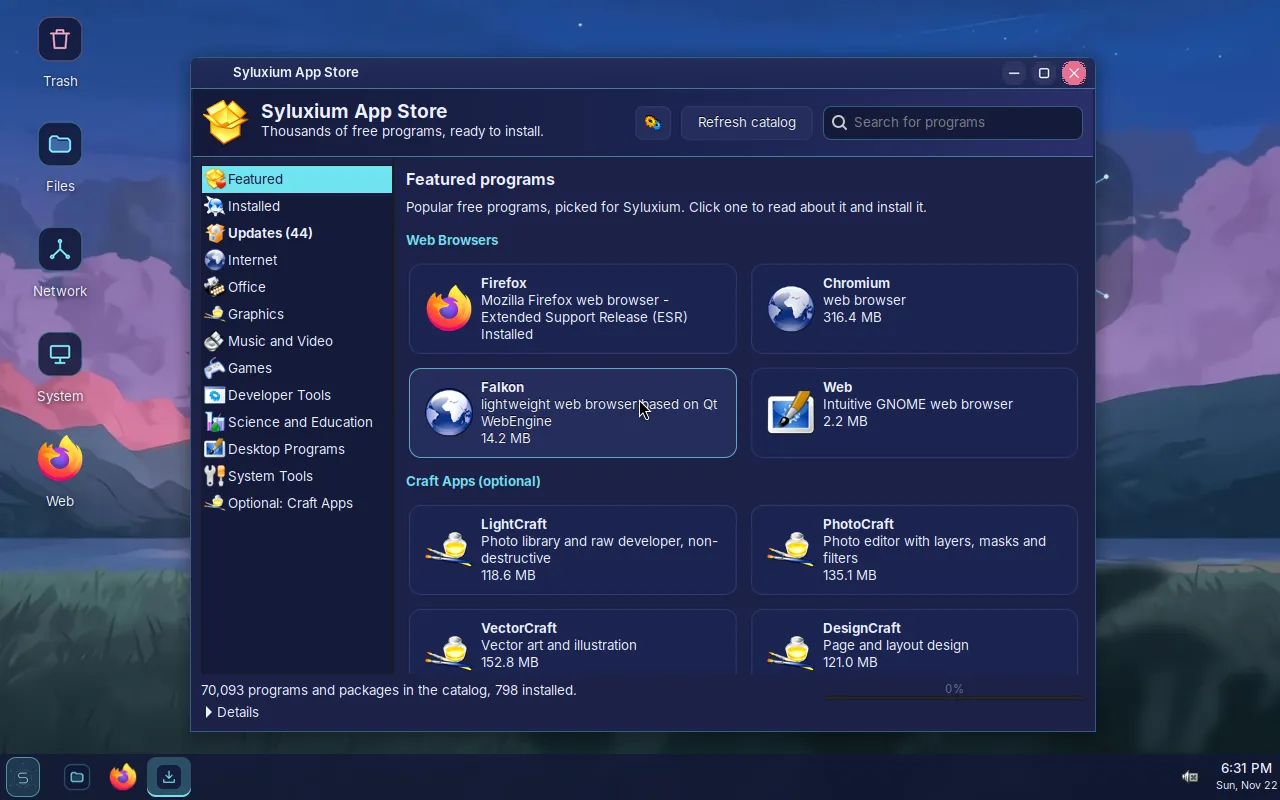
The Dusk look and the App Store
A new visual identity, Dusk: deep navy, a cyan accent, glass panels and new icons. Alongside it came
the App Store, which browses and installs from Debian’s whole archive of about 70,000 packages, with
updates and a settings page for software sources.
Graphics drivers on real hardware
The real Intel, AMD and NVIDIA graphics drivers from Linux are now built into Syluxium and drive the
screen on real machines, from the GPU Test boot entry. Full graphics acceleration for apps is the
next step and still in progress.
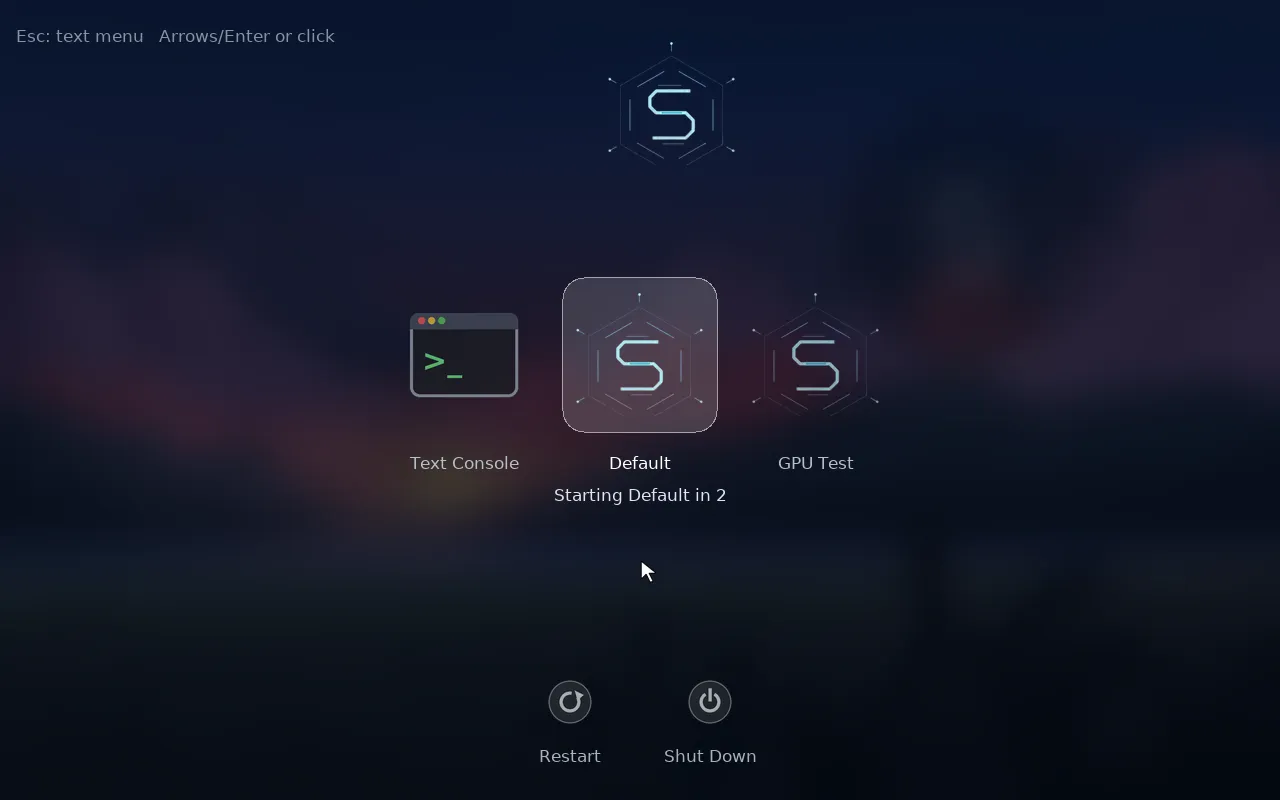
A face of its own: boot picker and splash
A graphical boot picker shows icons for Syluxium and for any other system on the computer, and works
with the mouse or keyboard. A logo splash with a progress bar runs until the login screen; press Esc
to see the detailed log.
Wi-Fi on a real USB adapter
Linux’s Wi-Fi stack now runs inside Syluxium. A real TP-Link USB adapter scans for networks and
connects with WPA2, and a network button by the clock lets you pick a network.
Windows programs
Through Wine, 64-bit and 32-bit Windows programs run on the desktop: double-click an .exe, and
installed programs appear in the start menu.
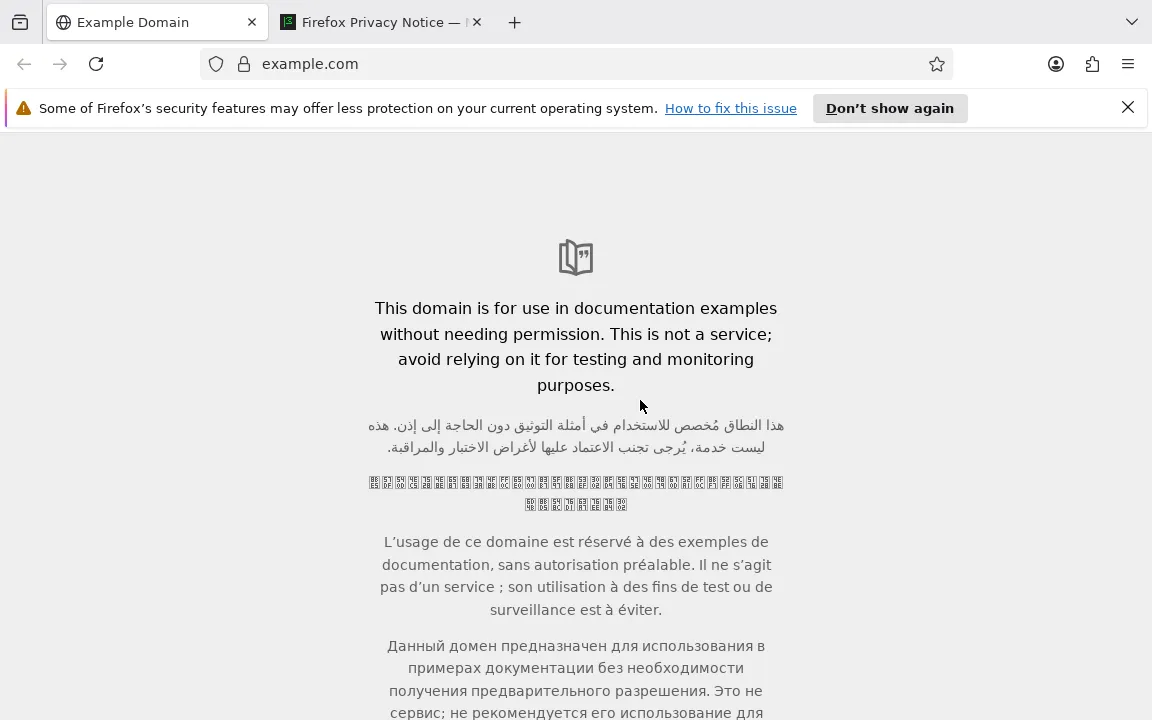
Firefox
Firefox, a big and demanding program, runs and loads real websites over HTTPS. It became the default
browser.
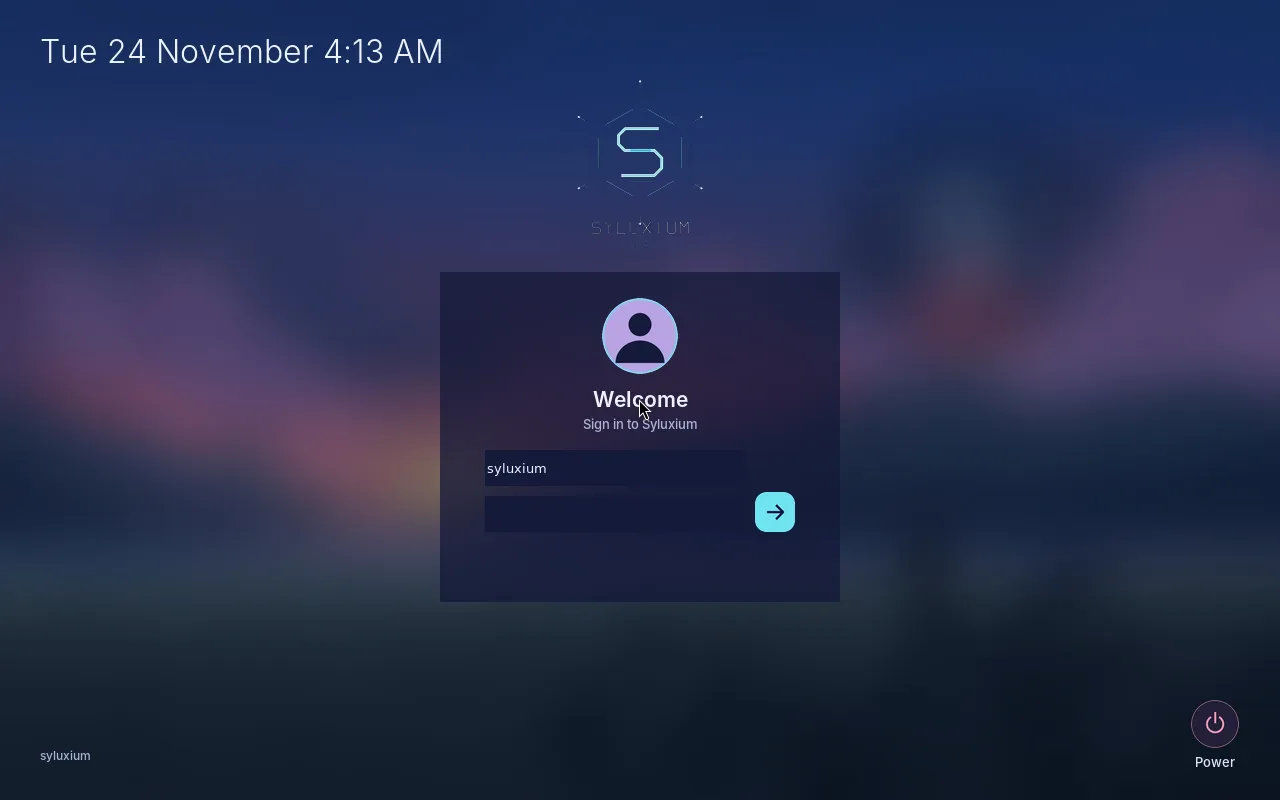
Login screen, user accounts and an installer
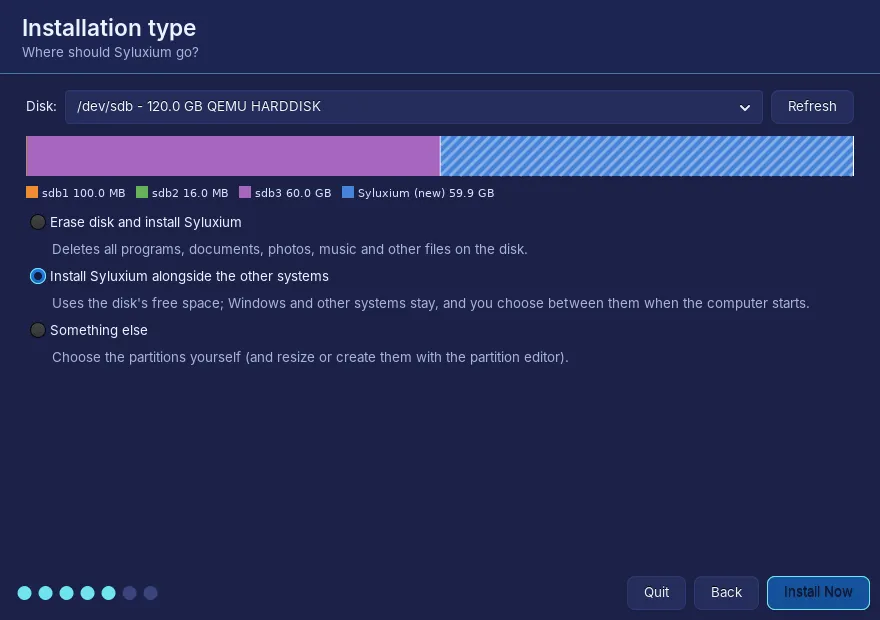
A login screen, user accounts and a graphical installer mean Syluxium can be installed to a disk,
alongside Windows too, instead of only running from a USB stick.
The installer as it looks today, after its Dusk redesign.
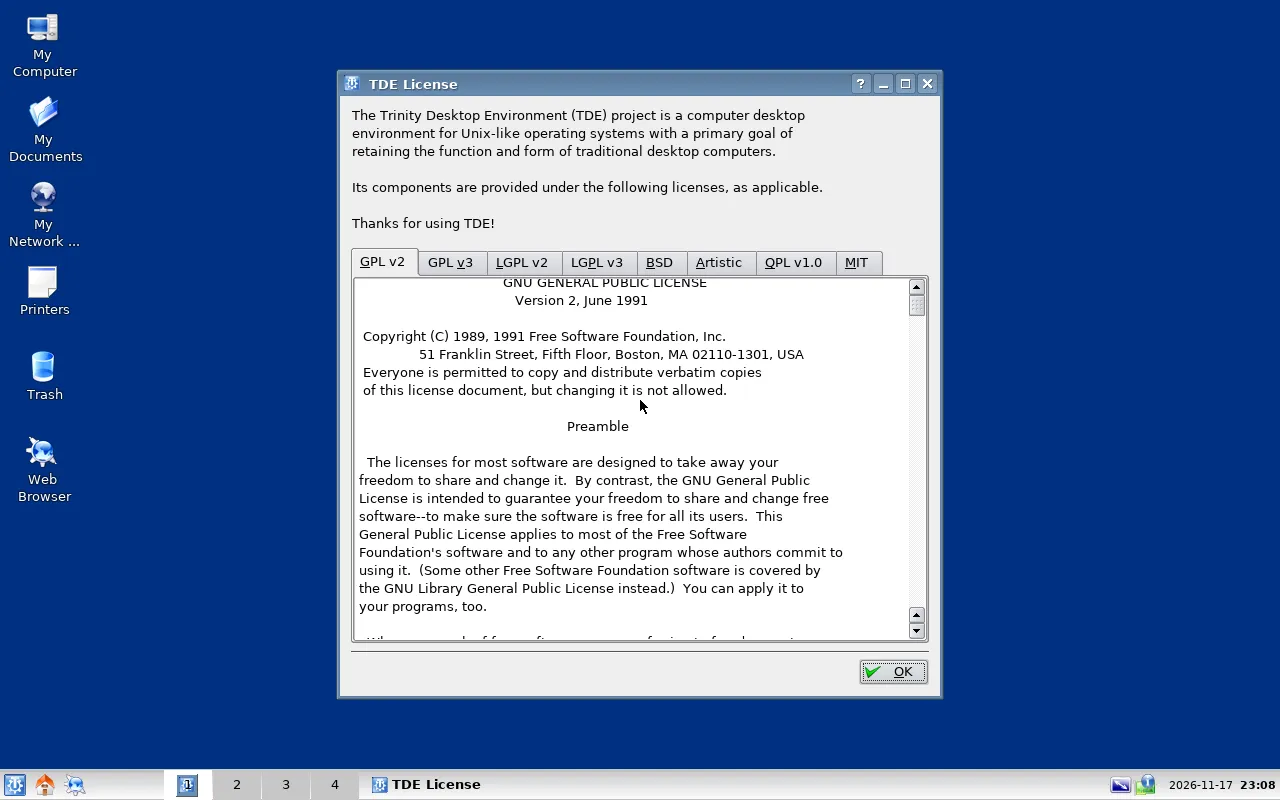
The first desktop
With graphics, terminals and input events in place, the X Window System started, and then a complete
desktop (Trinity). Syluxium now booted straight into a graphical desktop with a Start button.
Linux drivers and sound
A compatibility layer lets drivers written for Linux run inside Syluxium’s kernel unchanged, starting
with network cards. Sound arrived too: Intel HD Audio playback and recording, and later USB audio,
headphone detection and several programs playing at once.
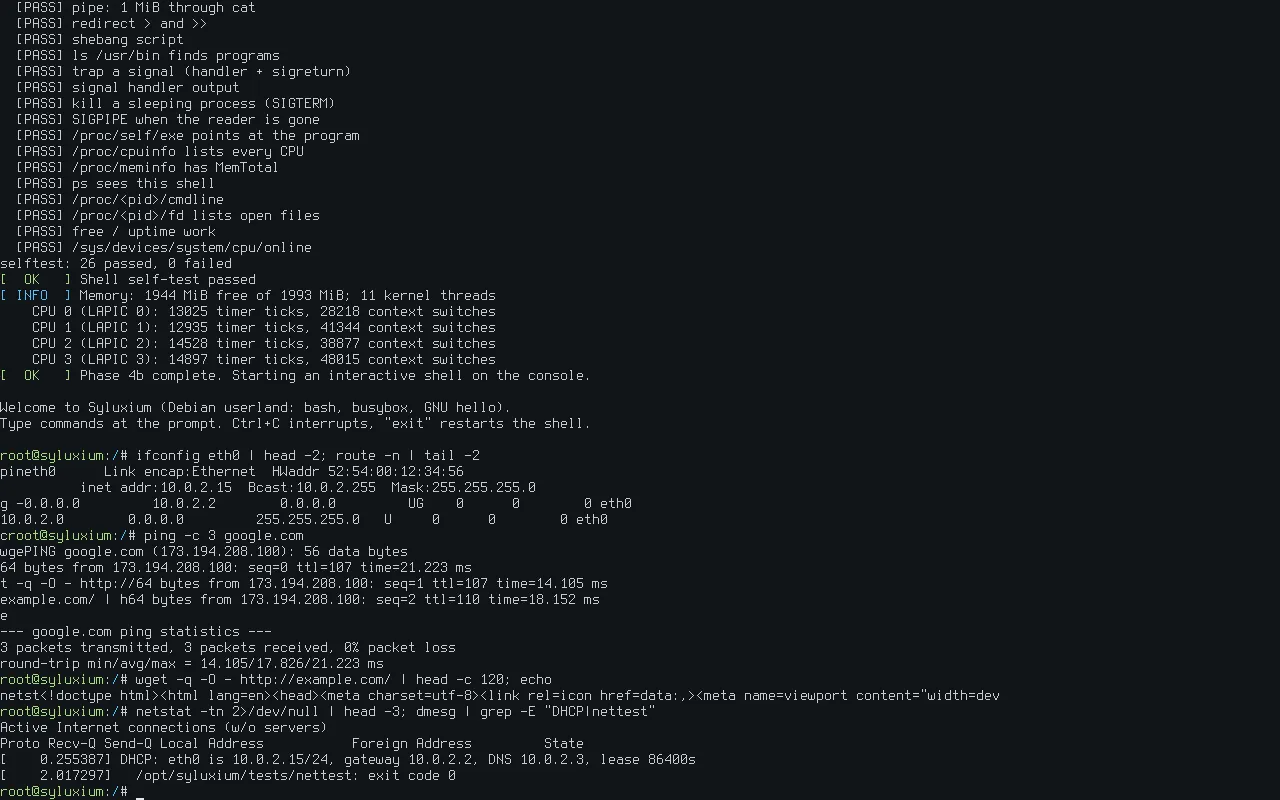
Disks, USB and the network
SATA and NVMe drives, the ext4, FAT32 and exFAT file systems, USB keyboards, mice and memory sticks,
and networking with DHCP and TCP all arrived on the same day. Syluxium could now read your disks and
fetch things from the internet.
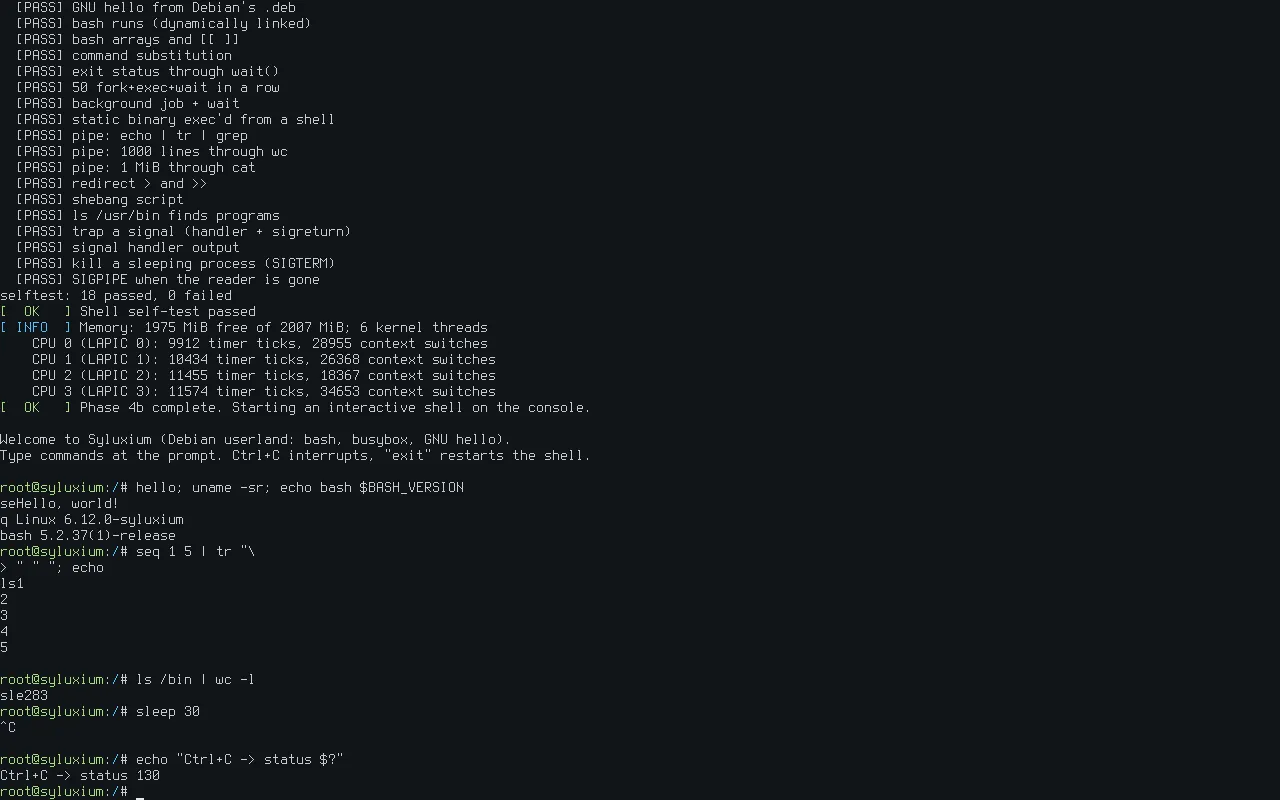
Running Linux programs: a real Debian shell
Programs now run in their own protected space. Because Syluxium speaks the same system-call language
as Linux, unmodified programs from Debian run on it, starting with the bash shell: a familiar command
line on a brand-new kernel.
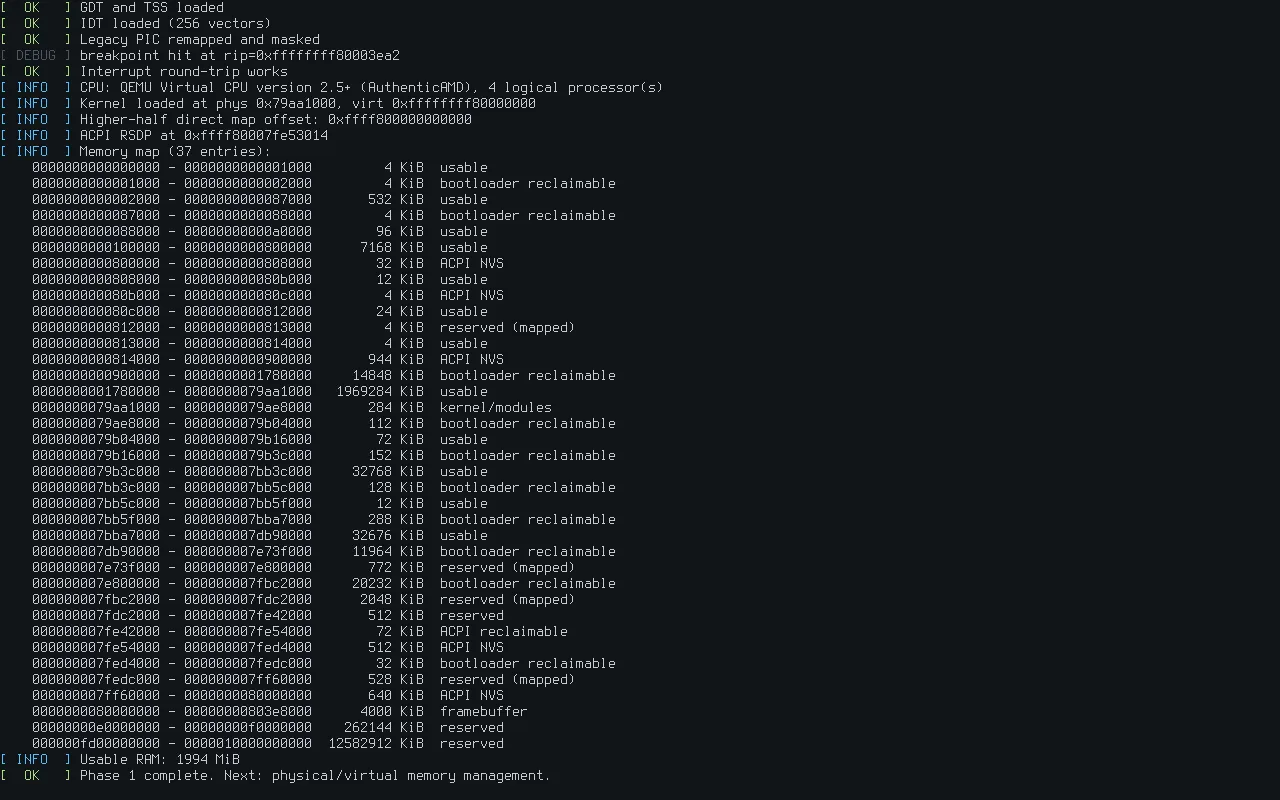
First boot
Syluxium’s own kernel, written from scratch in modern C++, boots through the Limine boot loader on
both UEFI and older BIOS firmware. It sets up memory and the processor, then greets you on a text
console. Where it all began.