
Android apps
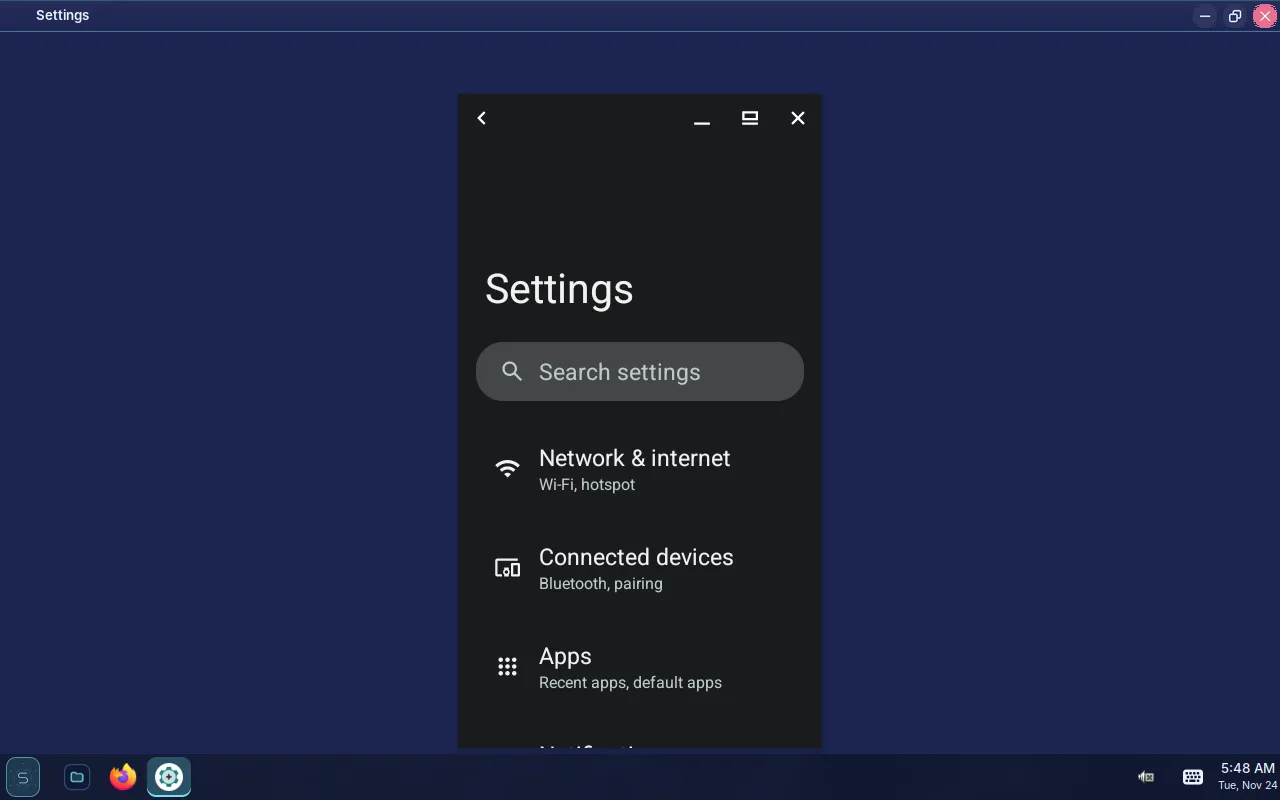
Syluxium runs Android apps as ordinary desktop windows, each with its own taskbar entry. It uses Waydroid, running on the Linux kernel’s binder support.
The .apk installer
Section titled “The .apk installer”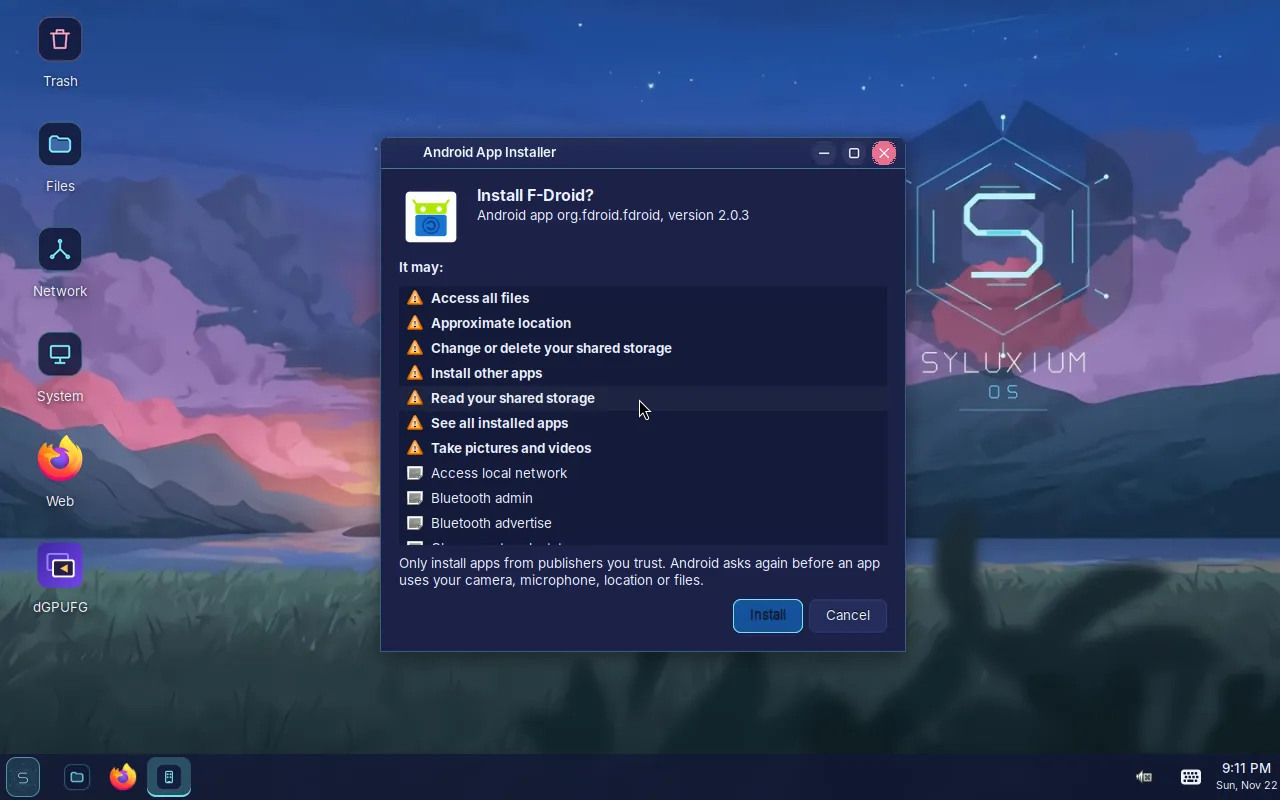
Double-clicking an .apk file opens an installer dialog. It reads the package itself and shows the
app’s name, icon, version and the permissions it asks for. Sensitive permissions (files, location,
camera, microphone and so on) get a warning sign.
Android apps in the App Store
Section titled “Android apps in the App Store”The App Store’s Android Apps page shows F-Droid’s catalogue of open-source apps, with icons and screenshots. The catalogue downloads on your first visit and its signature is verified.
Installed apps appear in the start menu’s Android Apps folder, where you can also remove them.
Google Play (optional)
Section titled “Google Play (optional)”Google Play is never preinstalled. An optional action will switch Waydroid to its official image with Google apps, then show the device’s Android ID and open Google’s device-registration page, which you complete yourself with your Google account.
Diagnostics
Section titled “Diagnostics”syluxium-diag android adds Android’s logs to the log on the stick for bug reports. See
Troubleshooting.
© 2026 Syluxium Industries LLC · Founded in 2023